
AI automated trading while you sleep
The AI that makes
money for you
while you sleep
Install it once. The AI trades for you 24/7 — no experience needed.
- The AutoTradeX bot file — yours forever, no subscription
- Step-by-step PDF: installation, setup & every strategy explained
- Delivered to your email within seconds of payment
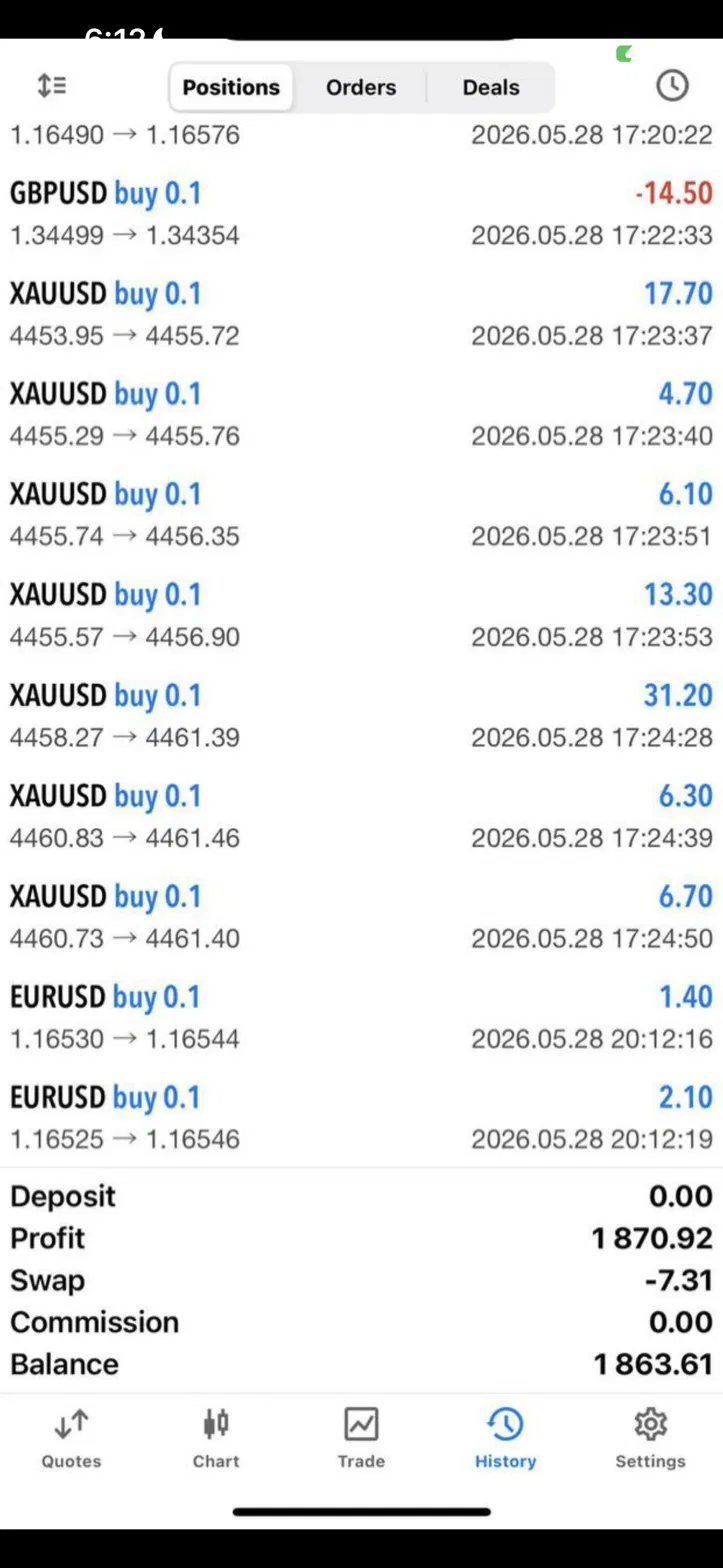
Verified results · Straight from MT5
Real accounts. Real screenshots.
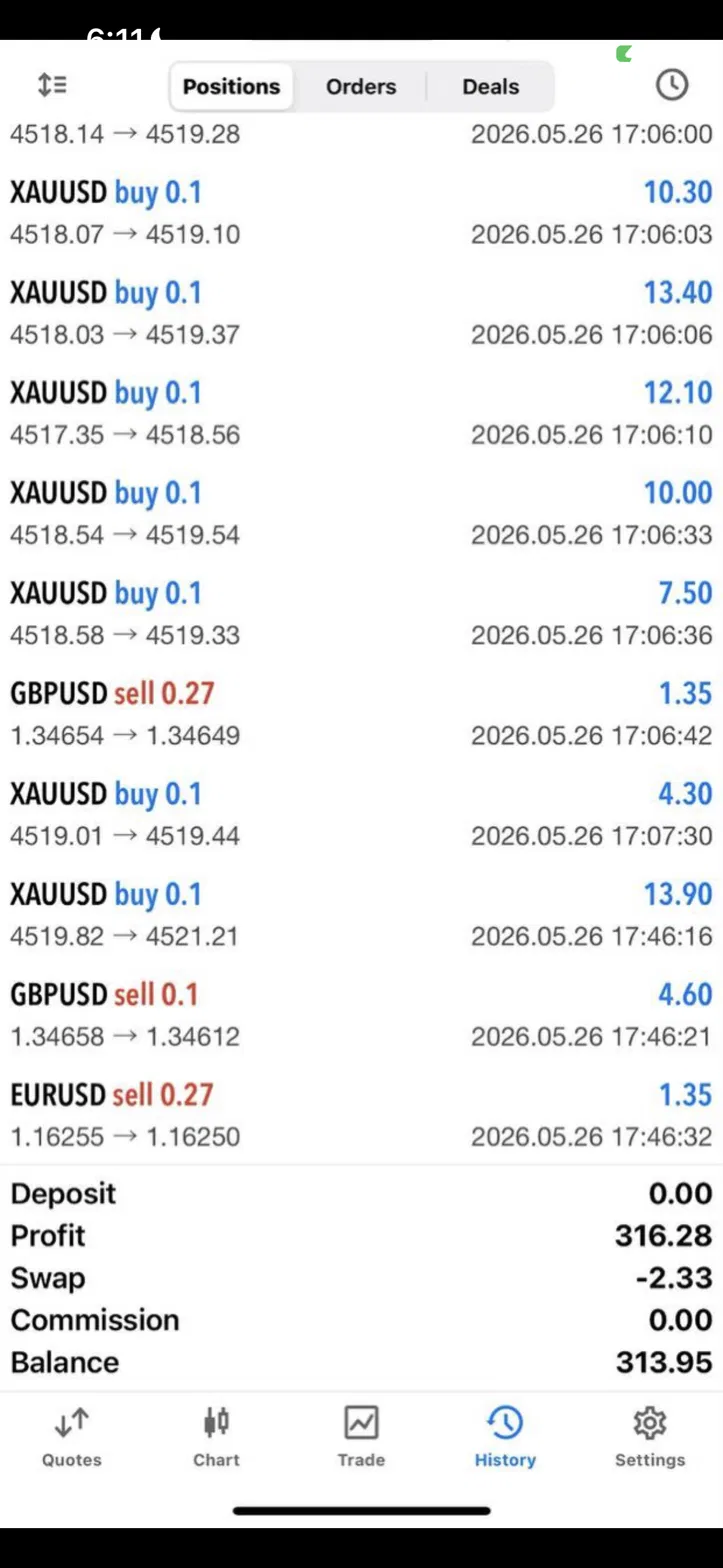
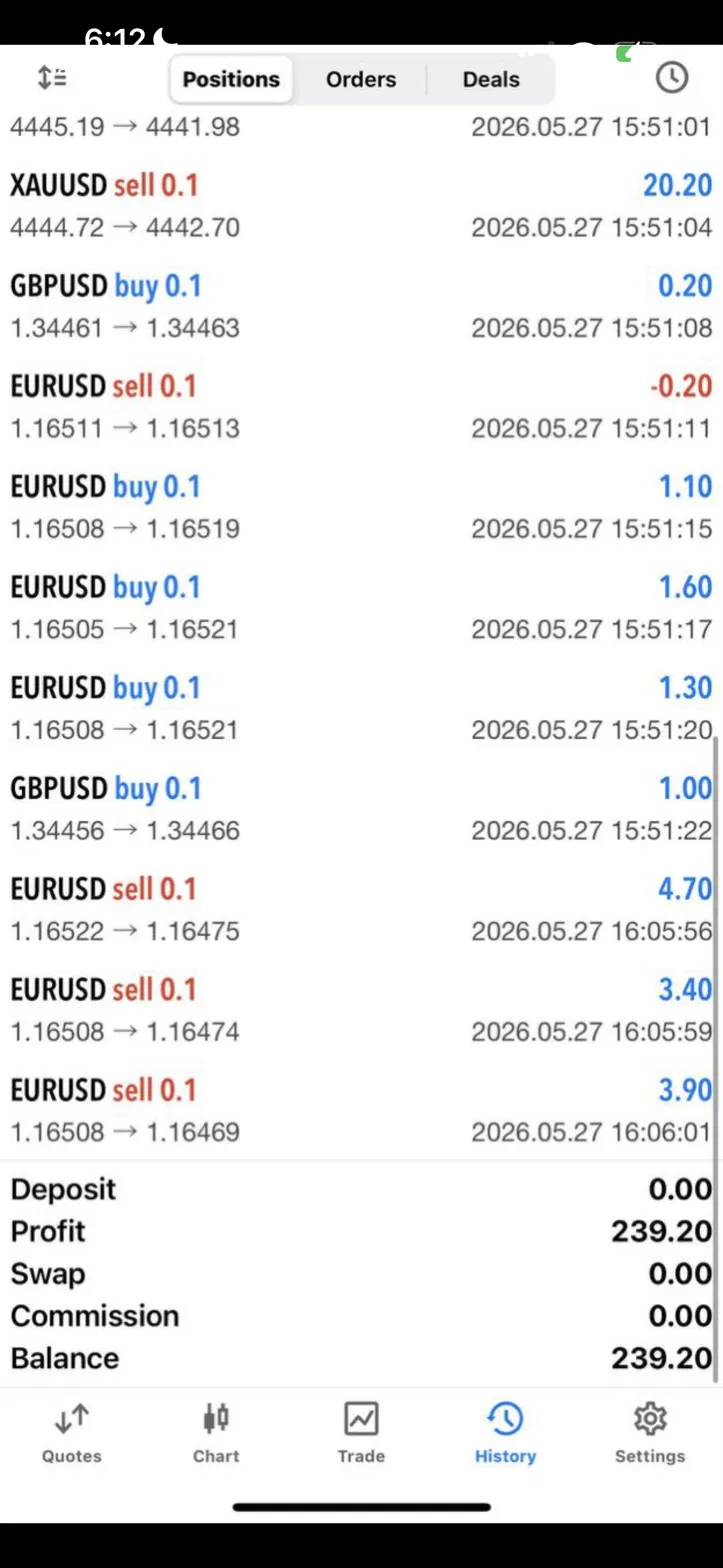
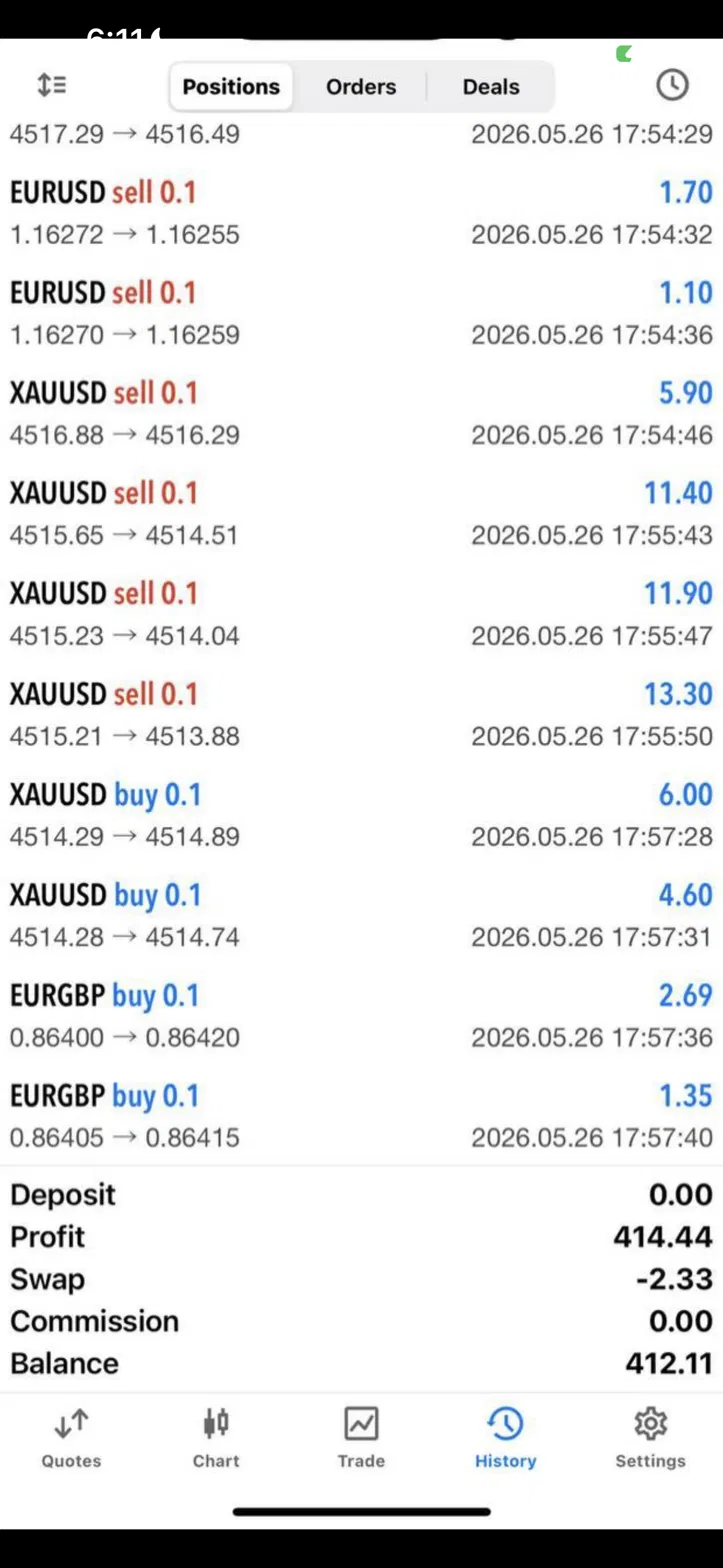
103 member screenshots · updated weekly
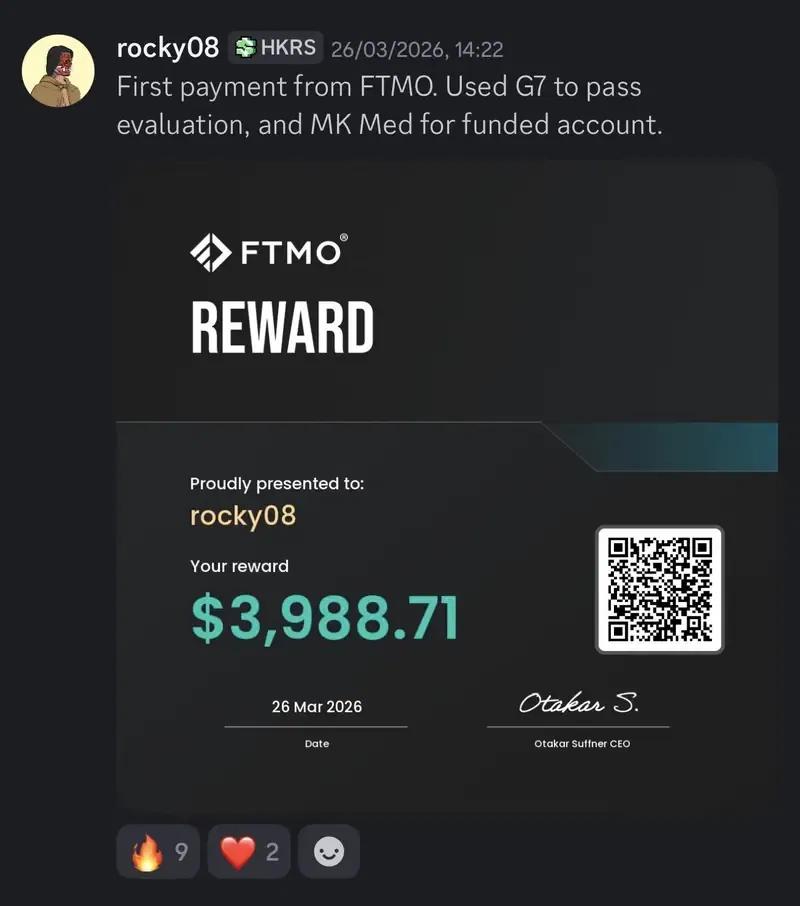
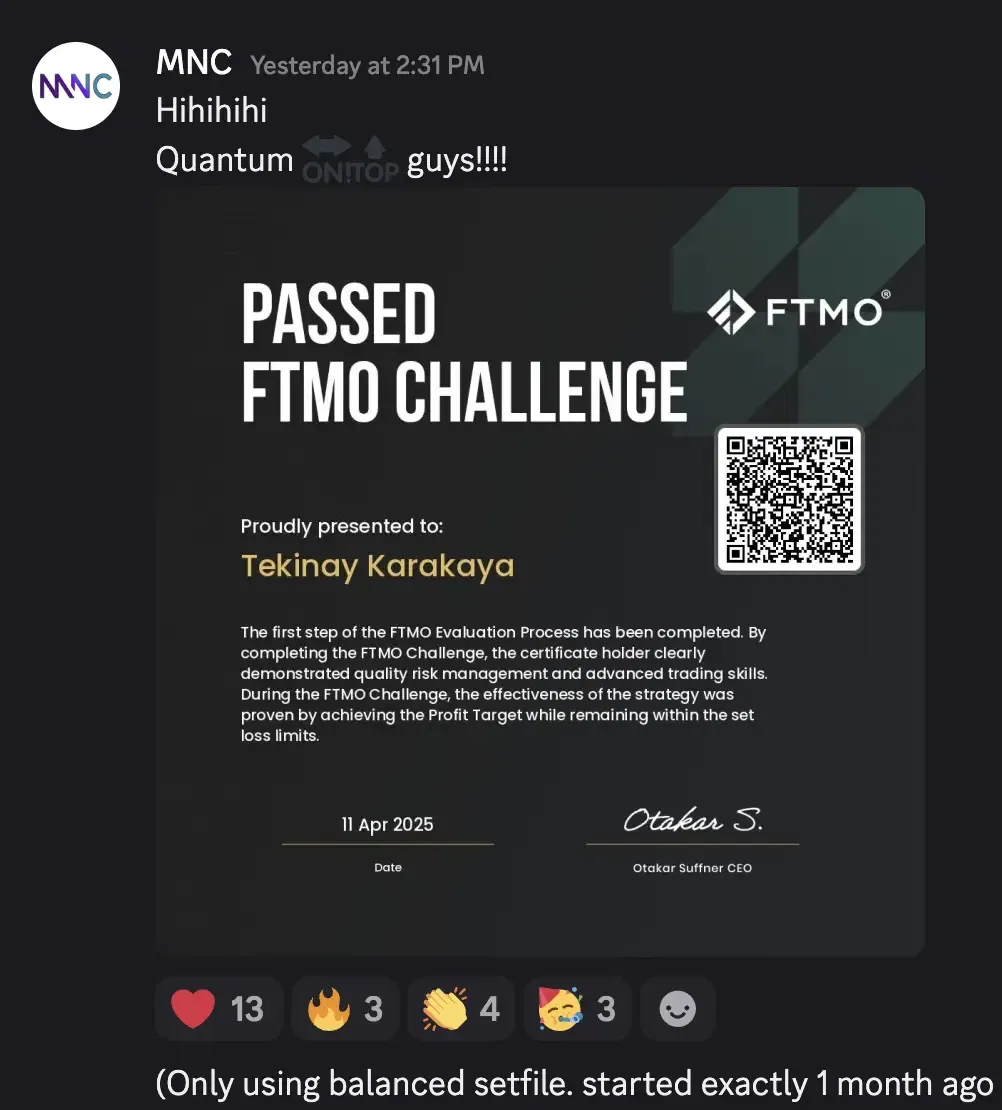
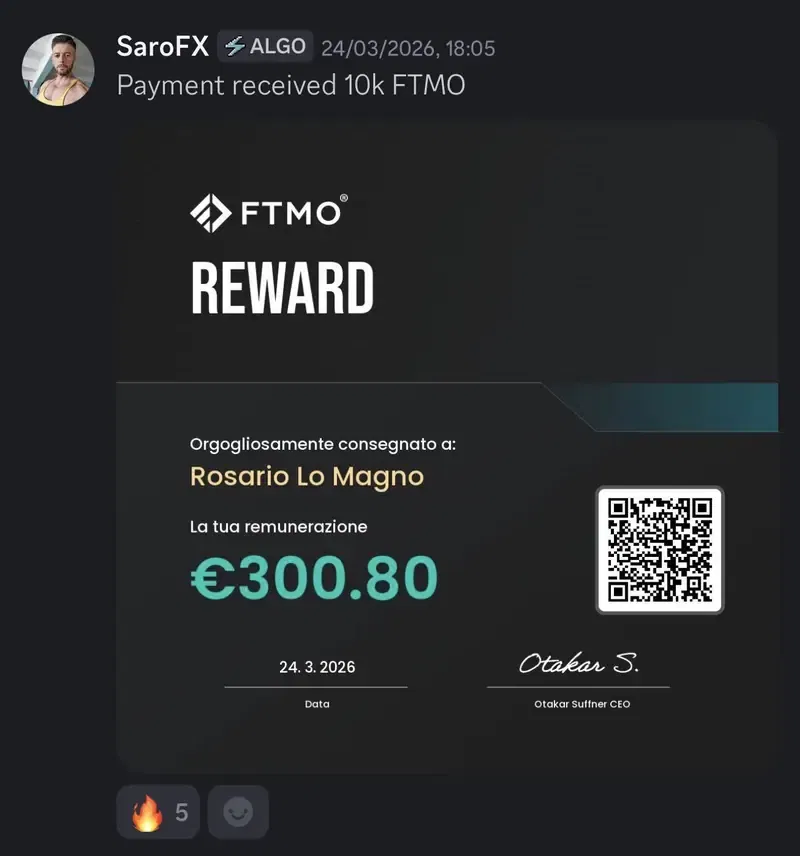
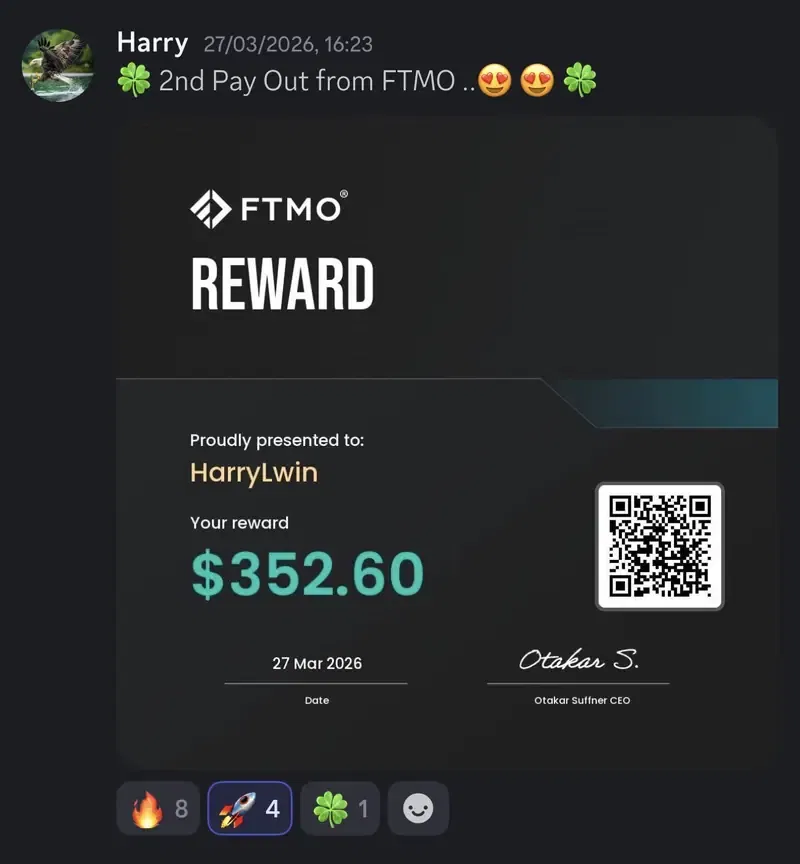
Prop firm payouts · Real screenshots
Members are passing challenges and getting paid
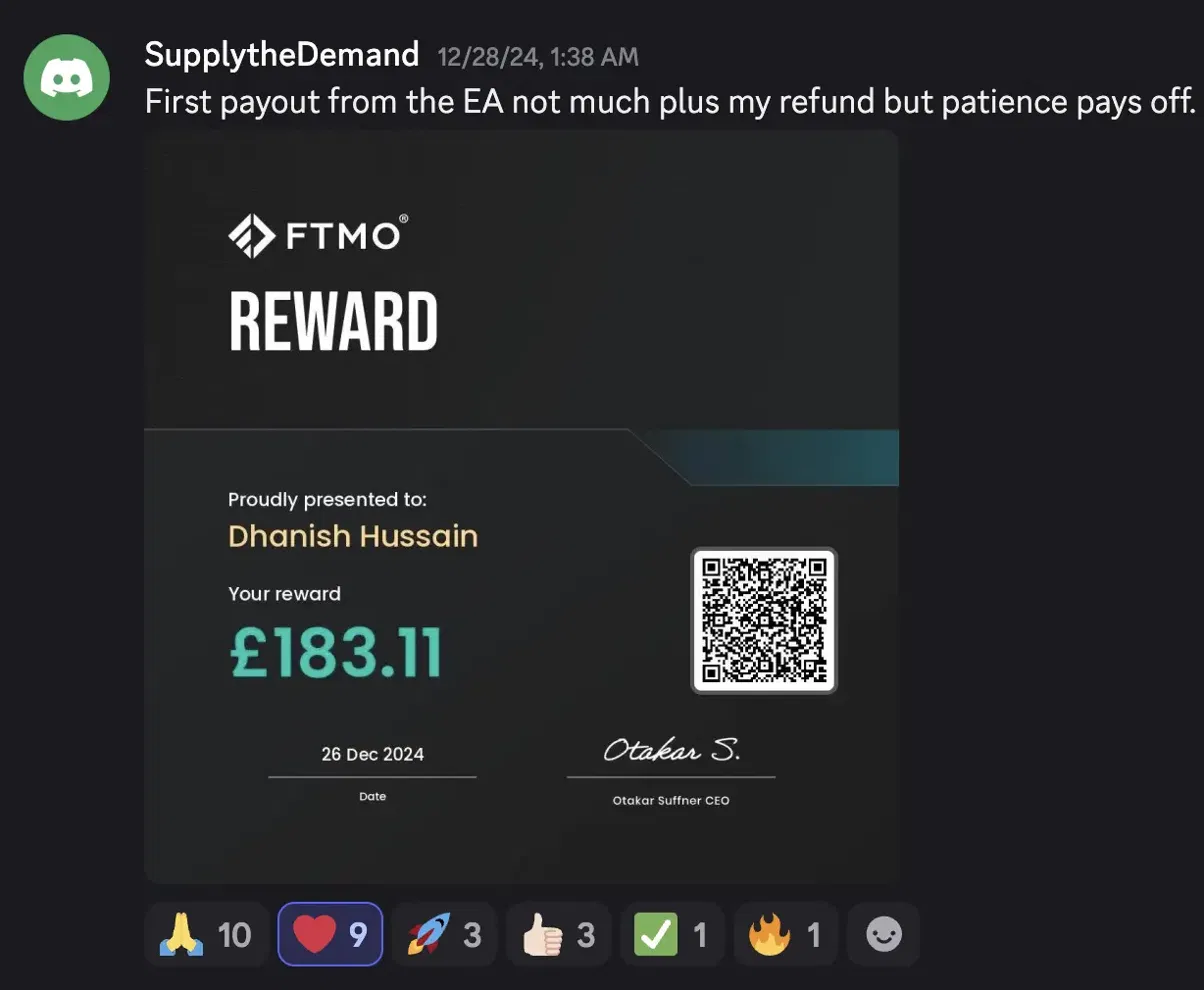
FTMO rewards and challenge passes posted by members in our community — swipe through the screenshots exactly as they shared them.
Why AI wins
Trading alone vs. trading with AutoTradeX
How it works
From checkout to trading in about 15 minutes
Buy & download
Pay once. The bot file and a step-by-step setup guide land in your inbox within seconds.
Install on MT5
Drop the file into MetaTrader 5 and attach it to your chart. The guide walks you through every click — about 15 minutes, no experience needed.
Let the AI take over
From that moment, AutoTradeX scans the market, opens the trades, and manages them around the clock. You check your balance. That's the whole job.
Inside AutoTradeX
So simple, it's basically two clicks
Unlike others, AutoTradeX offers 3 different strategies. Pick a strategy. Pick a risk level. That's the entire setup — everything else the AI manages for you.
Click 1 Choose how it trades
Three built-in strategies — tap one to see its stats.
Click 2 Choose your risk level
Always on: your safety net
Stops itself at −4% on a bad day. Never revenge-trades.
Pauses at 8% drawdown — before any prop-firm limit.
Stands aside ±30 min around high-impact news.
Automatic stop-loss & take-profit on every position.
Works with any MT5 broker
AutoTradeX runs inside MetaTrader 5 — the world's most popular trading platform, free on Windows, Mac, and even VPS. If your broker offers MT5 (almost all do), you're ready.
- Platform: MetaTrader 5 (free download)
- Recommended chart: Gold (XAUUSD) · M15 timeframe
- Account types: Live, demo & funded accounts (FTMO, FundedNext…)
Get AutoTradeX
One payment. The AI works forever.
- The AutoTradeX bot file, ready for MetaTrader 5
- Step-by-step PDF setup guide with screenshots
- Works on live accounts and prop firm accounts
- Runs 24/7 — no experience or chart time needed
- Lifetime license, one payment, no subscription
- Instant delivery to your email after checkout
Delivered to your inbox in seconds · 5-day refund policy · human support 7 days a week
FAQ
Questions, answered
Because it isn't one-size-fits-all. You get 3 strategies and 3 risk levels, so the bot fits you — not the other way around. The results are real member screenshots, published unedited. It's delivered instantly, and you're installed and trading in about 15 minutes. It protects you while it works — a daily loss brake stops it on a bad day so it never revenge-trades, and a news radar keeps it out of the market during dangerous news. And it's one payment for a lifetime license, while most competitors charge monthly.
None at all. AutoTradeX was built for complete beginners. You install it once following the PDF guide, and the AI handles everything else — finding trades, opening them, and managing them. If you can install an app, you can run AutoTradeX.
Just a free MetaTrader 5 account (any broker) and the bot file we send you. The setup guide walks you through both in about 15 minutes.
Both. Members run AutoTradeX on personal live accounts and on funded accounts at firms like FTMO and FundedNext — several have passed challenges and received payouts with it.
Within seconds you receive an email with the AutoTradeX bot file and the step-by-step installation guide. Setup takes about 15 minutes — most members are trading the same day.
No. $48 once, yours forever. No monthly fees, no hidden costs.
Yes — that's the point. The AI monitors the market 24/7 and takes trades whenever conditions line up, whether you're asleep, at work, or on vacation.
Right here on this site. We publish every screenshot members send us — unedited, straight from MT5, sorted by daily profit. Browse all 103 verified results →
No. Everything can be done straight from your phone — installing the bot, running it, and checking your trades. The guide you receive explains the full phone setup, step by step.
Whatever your broker gives you works. The bot sizes every position from your balance and risk mode, not from leverage — so a 1:30 account and a 1:500 account both risk the same fixed percentage per trade. You don't need to configure anything.
Setup takes about 15 minutes. After your purchase, the step-by-step guide walks you through the entire process, screen by screen: install MetaTrader 5, drop in the bot file, pick your strategy and risk mode. If you get stuck at any step, our support team answers 7 days a week.
It does the trading for you, saving you hours at the charts. It analyzes the market, spots trends, and makes decisions in milliseconds — fully automated, so fear and greed never touch a single trade. And unlike a rigid plan, it adapts to what the market is actually doing.
That's fine — most members had never used a trading bot before. The software is fully automated: you make two choices during setup (strategy and risk mode) and the AI does the rest. The guide covers every click with screenshots, and support is a reply away if you need a hand.
You can technically start with any amount your broker accepts, but below roughly $100 the bot is forced to trade the broker's minimum position size, which limits how precisely it can manage risk. We recommend starting with at least $100, and around $1,000 for the smoothest experience. Never trade money you can't afford to lose.
Refunds are available within 5 days of purchase if you ran the bot on a real-funds account and it produced a net loss over 3 consecutive trading days — full details, including what proof to send, are in our Refund Policy.